About mi Beacons
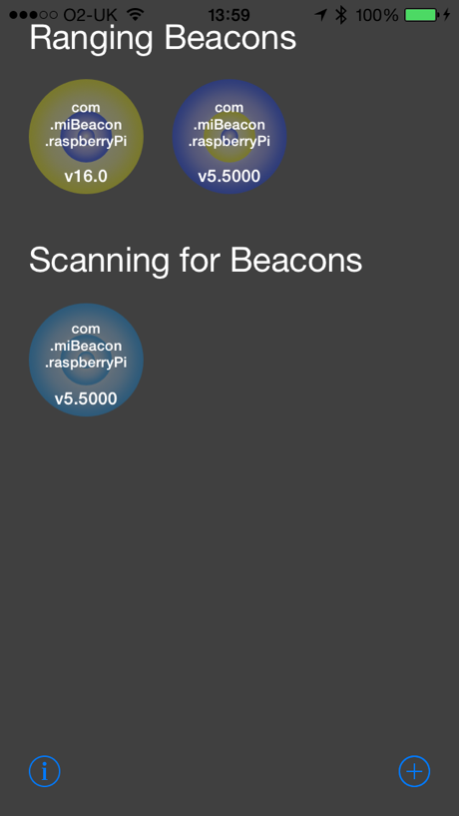
This App is simply a developer utility for experimenting with iBeacons. The idea is that you use miBeacons to register, manage and share iBeacons. All of the registered beacons are stored in a 'crowd sourced' database....
This App is simply a developer utility for experimenting with iBeacons.
The idea is that you use miBeacons to register, manage and share iBeacons. All of the registered beacons are stored in a 'crowd sourced' database. The utility allows you to monitor your registered iBeacons and then load/call a different Url depending on your proximity.
Every instance of mi Beacons has an 'Ownership Id' under which all of your iBeacons are managed. You can share this with other developers so that you can interact with their iBeacons.
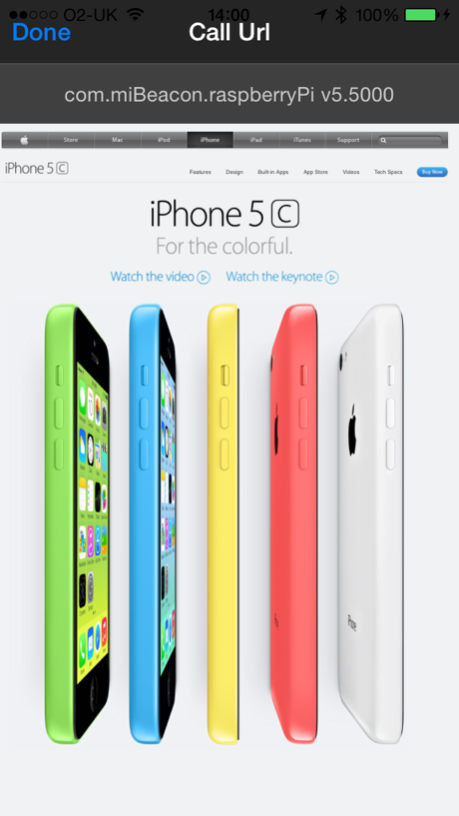
You could for instance, set up an IBeacon, then use mi Beacons to load a different web page for the immediate, near, far & unknown proximities. Another idea would be to call a RESTful server endpoint that does something interesting like control some hardware peripheral attached to the server...
Have Fun!
Jul 19, 2014
Version 1.1
Bug fixes
Previous Versions
Here you can find the changelog of mi Beacons since it was posted on our website on 2016-09-30 15:08:27.
The latest version is 1.1 and it was updated on 2024-04-22 17:48:38. See below the changes in each version.
mi Beacons version 1.1
Updated At: 2014-07-26
mi Beacons version 1.1
Updated At: 2014-07-19
Changes: Jul 19, 2014
Version 1.1
Bug fixes
Disclaimer
Official App Store Link
We do not host mi Beacons on our servers. We did not scan it for viruses, adware, spyware or other type of malware. This app is hosted by Apple and passed their terms and conditions to be listed there. We recommend caution when installing it.
The App Store link for mi Beacons is provided to you by apps112.com without any warranties, representations or guarantees of any kind, so access it at your own risk.
If you have questions regarding this particular app contact the publisher directly. For questions about the functionalities of apps112.com contact us.